Tax returns are complicated,
Otis makes them easy.
How Otis works
Our 3-step process makes tax returns easy.
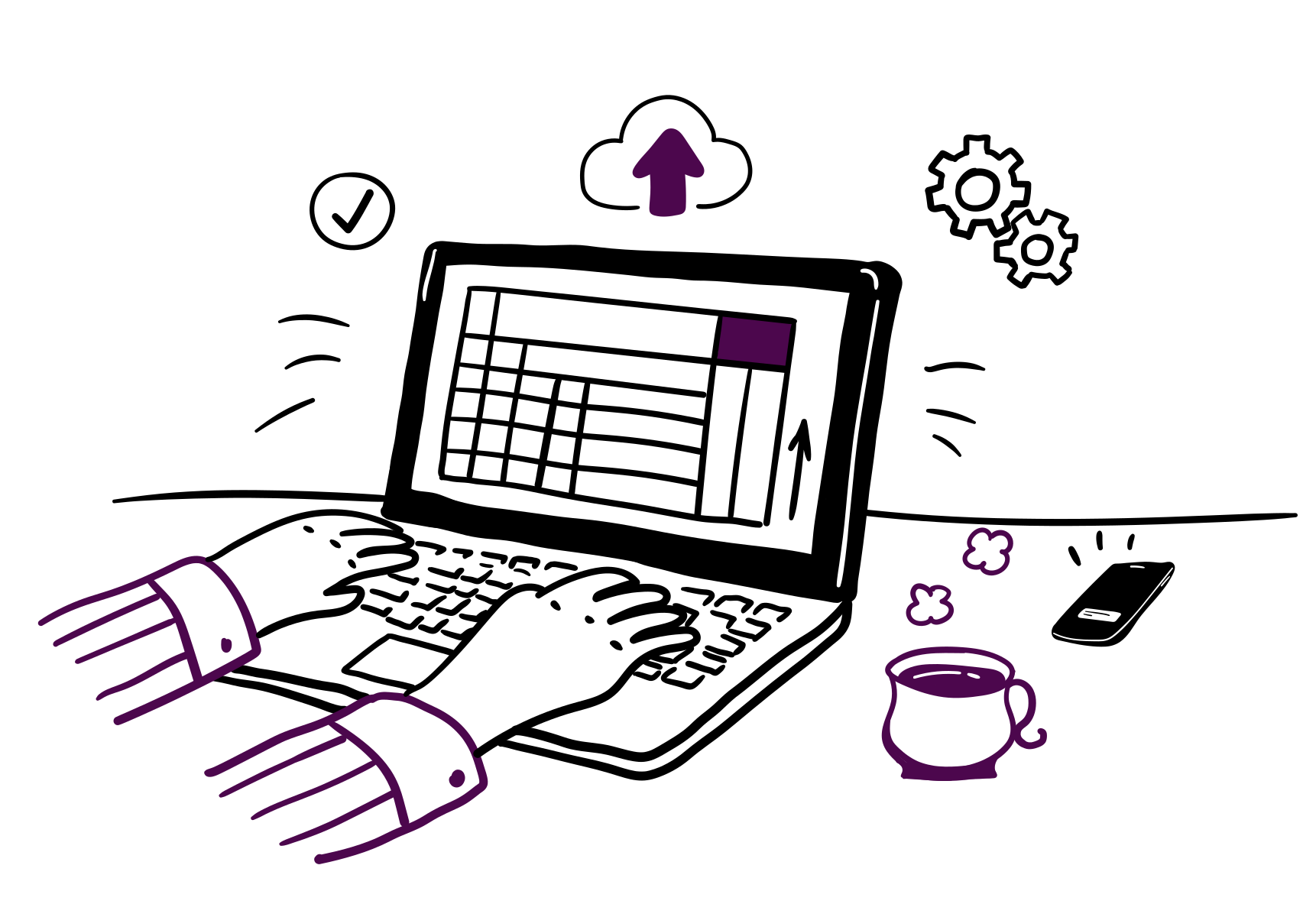
No retyping. Just upload what you already have
Works with any Excel or CSV layout — no reformatting needed. Simply upload and we’ll instantly create compliant digital records for you.

See exactly what you owe
Otis automatically updates your tax position after every upload. See how much you owe at any time, along with a personalised list of what and when HMRC expect you to file.

Submit directly to HMRC in a few clicks
When it’s time, submit your quarterly MTD returns and final tax return directly to HMRC, (including any extra income like dividends or savings interest) all from the same secure platform.
Making Tax Digital for Income Tax starts April 2026
You don't need to change how you work. You just need the right software.
If you're a sole trader, freelancer or landlord caught by MTD, Otis connects your existing spreadsheet directly to HMRC. No new workflows. No accountant required. No surprises.
Submit in minutes, not hours
Upload your spreadsheet each quarter. Otis formats it, categorises it, and sends it to HMRC — with your records backed up automatically. You just check and confirm.
Know what you owe before January
Your estimated tax position updates after every upload. See your liability in real time, all year long — so January holds no surprises.
One platform, start to finish
When it's time, submit your Final Declaration directly through Otis. Everything is pre-populated from your quarterly data. No redirects. No starting from scratch.
Worried about using software HMRC won't accept?
Otis is officially recognised by HMRC for MTD for Income Tax — tested and listed on their software finder.
Simple pricing
One bundle. The full year covered.
No subscriptions, no surprises. Pay once for all four quarterly submissions MTD required each year.
Annual MTD bundle
That's £20 per submission or roughly £6.70 a month
What's included
- 4 quarterly MTD submissions to HMRC
- Unlimited amendments to your submissions
- See how much tax you owe in real time
- Support and guidance through HMRC Assist
- Digital backups of your spreadsheets
- Deadline reminders for each quarter
Free to sign up. Only pay when you're ready to submit.
Start free — pay only when you submitNeed more submissions? Options are available for landlords with multiple properties or additional businesses. See full pricing
The essentials
What is Making Tax Digital?
Making Tax Digital or MTD for short is HMRC's programme to move the UK tax system online. Instead of filing one Self Assessment return at the end of the year, you'll keep digital records and send HMRC updates throughout the year using recognised software.
From April 2026, MTD for Income Tax is mandatory if you're self-employed or a landlord with qualifying income over £50,000. The threshold drops to £30,000 from April 2027, with plans to extend further.
The short version: if you file a Self Assessment tax return today, MTD is probably coming for you. And Otis is built specifically to make that transition painless.
April 2026
Income over £50,000
April 2027
Income over £30,000
TBC
Income over £20,000
What you'll need to do
MTD requirements
Quarterly updates
You'll need to send HMRC a summary of your business income and expenses every quarter, using MTD-compatible software. Otis does this in a few clicks.
Digital records
HMRC requires your records to be kept digitally. With Otis, every spreadsheet you upload is stored securely and ready for inspection.
Final declaration
Your final tax return replaces the old Self Assessment. Otis pre-populates everything from your quarterly data so there's no starting from scratch.
Check if Making Tax Digital applies to you
Answer two quick questions to find out when MTD applies to you, what income counts toward the threshold, and your next steps.
Common Questions
Things people wonder before they sign up
"I already use a spreadsheet. Do I have to start again?"
Not at all. Otis is built around your spreadsheet, not instead of it. Upload what you already have — Excel or CSV — and we handle everything from there. Your workflow stays exactly as it is.
"I'm not particularly good with tech. Will I manage?"
If you can attach a file to an email, you can use Otis. There's no accounting knowledge required, no complicated setup, and no jargon. Most people complete their first upload in under five minutes.
"What if I make a mistake on a submission?"
You can amend any submission at any time. Corrections don't trigger penalties — only missed deadlines do. And Otis reminds you about those well in advance.
"Do I really need this, or can I just carry on as normal?"
From April 2026, HMRC's online Self Assessment is closed to anyone caught by MTD. You'll need compatible software to file at all. Otis is the simplest way to stay compliant without changing how you already work.
Frequently Asked Questions about MTD
Making Tax Digital for Income Tax applies to sole traders, freelancers, contractors(effectively anyone self employed) and landlords with a total business and/or property income (either from a UK or overseas rental property). From April 2026, it applies specifically to those with income over £50,000, and from April 2027, the threshold drops to £30,000. These individuals will have to submit quarterly returns/updates each year. Otis is designed to help these groups stay compliant without the need for complex accounting software.
Quarterly updates are summaries of your income and expenses that must be submitted to HMRC four times a year under MTD. Deadlines are one month after each quarter ends: 5 May, 5 August, 5 November, and 5 February. Otis automatically formats your data and reminds you of upcoming deadlines so you never miss a submission.
You do not need to submit anything immediately, but it is a good idea to have your software set up before Making Tax Digital for Income Tax applies to you.
Setting things up early gives you time to check that your spreadsheet structure works, understand how quarterly updates fit together, and avoid last-minute pressure before your first deadline.
Many people choose to get everything in place months in advance, even if their first submission is not due yet. Setting things up early helps make compliance straightforward when MTD starts.
Yes. You can continue using your existing spreadsheets to keep your income and expense records. Making Tax Digital does not require you to switch to full accounting software. Instead, you must use MTD-compatible bridging software to submit your figures to HMRC. All you need to do is upload your spreadsheet, Otis validates the data, and submits it digitally, allowing you to stay compliant without changing how you already work.
If you already track income and expenses in a spreadsheet, this is usually the simplest way to get MTD-ready. See how spreadsheet uploads work or Get everything set up now - it typically takes just a few minutes
MTD brings multiple benefits: accurate digital record-keeping, fewer errors, a real-time view of your tax position, streamlined submissions, and faster processing by HMRC. By using Otis, you can upload your spreadsheets, automatically generate HMRC-ready reports, and file returns instantly — saving time and reducing stress at year-end.
Bridging software links your spreadsheets or existing accounting system to HMRC's MTD platform. It formats your data correctly and submits it securely, meaning you do not need to change how you keep your records. Otis includes a simple, secure bridging solution that allows you to remain MTD-compliant while continuing to use the tools you are comfortable with.
If you are comfortable with spreadsheets but need a compliant way to submit to HMRC, this is the required step. Otis includes bridging by default, so there is nothing extra to install or manage.
Under Making Tax Digital (MTD), HMRC uses a **points-based system** for late submissions and a tiered penalty system for late payments. Each missed submission earns you a point (tracked separately for VAT and Income Tax). For example, reaching four missed quarterly submissions triggers a £200 penalty. Points expire over time if you stay compliant. For late payments: no penalty if the tax is paid within 15 days; after that, penalties rise from 3% (day 15), to 6% (day 30), and 10% per annum from day 31. Otis helps you avoid penalties by automatically tracking deadlines, reminding you, and enabling timely digital submissions and payments.
If you are within Making Tax Digital for Income Tax, your Self Assessment tax return is replaced by what is called a Final Declaration. This confirms your total income, allowances, and tax position for the year. You can no longer submit this directly through HMRC online services and must use MTD-compatible software instead. With Otis, you can complete and submit your Final Declaration without leaving the platform, making year-end filing simple and fully compliant.
You must keep digital records of all business income and expenses, including sales, purchases, payments, and receipts. These records must be stored digitally (not just on paper) in software that can connect directly to HMRC. Otis securely stores your records and makes them accessible anytime for reporting or audits.
Yes — Otis Tax is officially recognised by HMRC as compatible software for Making Tax Digital (MTD) for Income Tax.
This means the software has been tested against HMRC’s systems to ensure it can securely submit data, handle MTD obligations correctly, and meet HMRC’s technical and functional requirements. In practice, it gives you confidence that your quarterly updates and submissions are being sent in the correct format and in line with HMRC standards.
You can view Otis Tax on HMRC’s official list of recognised software here.
First, sign up for MTD for Income Tax via your HMRC online account. Then, choose MTD-compatible software like Otis, set up your digital records, and prepare your first quarterly update.
With Otis, you can upload your data, review it for accuracy, and submit it to HMRC in just a few clicks. Many people choose to do this well before their first submission is due. You can sign up now and be ready when submissions are required.
Don't wait until it's too late to figure this out
Join sole traders and landlords already using Otis to prepare for Making Tax Digital. Free to start, no card required.
Takes under a minute. No accounting knowledge needed.